Recruiters and HR teams
For teams that need one place to create jobs, review applicants, track stages, and follow up with candidates.
Create job posts, screen resumes, run first-round interviews, and keep follow-ups organized — all in one workspace.

08
98
41
26
Hiring pipeline
All rolesSoftware Engineer
Full-time
Product Designer
Full-time
Sales Director
Full-time
Marketing Manager
Contract
New applications
Albert N.
Frontend Developer
Sara M.
Product Designer
James K.
Sales Lead
Upfound brings the daily recruiter workflow into one place, from the first job draft to candidate follow-up.
Job posts start in scattered documents
Recruiters often rewrite the same role details across notes, forms, and public pages.
Applications land in too many places
Resumes arrive through email, folders, spreadsheets, and job boards, making follow-up easy to miss.
Screening is hard to repeat consistently
Every reviewer looks for different signals unless skills, experience, and interview notes are structured.
Candidate communication gets delayed
Confirmation emails, reminders, and recruiter follow-ups need to stay connected to the same hiring record.
Upfound is useful when applications are coming in, resumes need to be reviewed, and the team needs a clear way to decide who should move forward.
For teams that need one place to create jobs, review applicants, track stages, and follow up with candidates.
For agencies managing multiple roles, reusable candidate profiles, resume uploads, and client-facing hiring pipelines.
For founders and lean teams that need help with first-pass screening before spending time on interviews.
For teams hiring both technical and non-technical roles where workflows may include resume screening, phone, or video rounds.
From the first job draft to the final follow-up — no more jumping between spreadsheets, inboxes, forms, and resume folders.
Watch applicants move from applied to hired in a single board — so you always know who's where and what needs attention next.
Turn a role brief into a structured post with an AI-drafted description.
Branded company and role pages with built-in application forms.
Parse skills and get a fit summary per role so strong candidates surface first.
A company candidate library to consider applicants for future roles.
Phone, video, or recruiter-led stages — based on the role.
Confirmation emails, reminders, and candidate status in one timeline.
Upfound gives recruiters one operating layer for the early hiring work: job setup, application capture, resume review, interview workflows, and candidate communication.
Recruiter dashboard
A daily view of jobs, candidates, and pending work
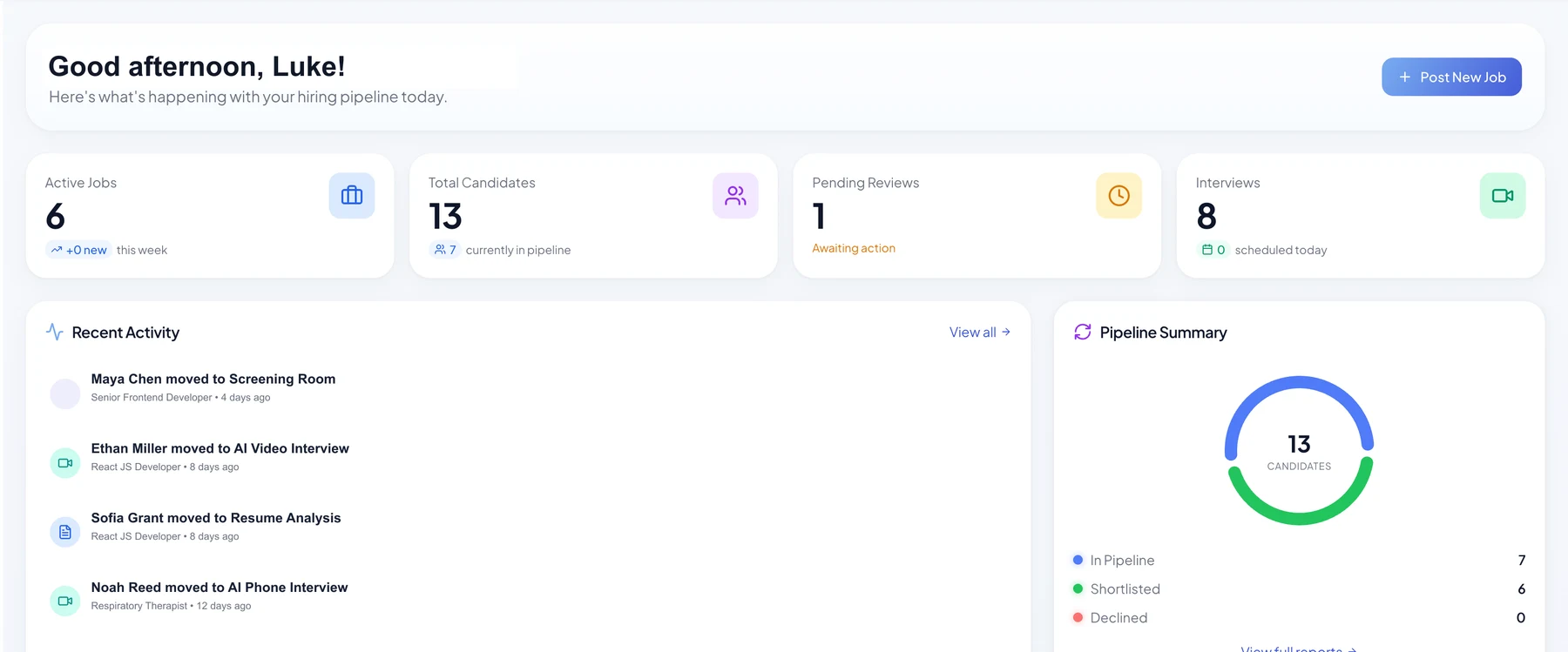
Upfound focuses on the operational parts recruiters handle every day: jobs, candidates, screening, interviews, and follow-ups.
Turn a role brief into a clear job post, application flow, and public career page without copying the same information across multiple tools.
Keep resumes, parsed skills, screening notes, and candidate status together so recruiters can compare people more consistently for each job.
Use confirmation emails, interview reminders, recruiter follow-ups, and workflow stages to avoid losing candidate communication in inboxes.
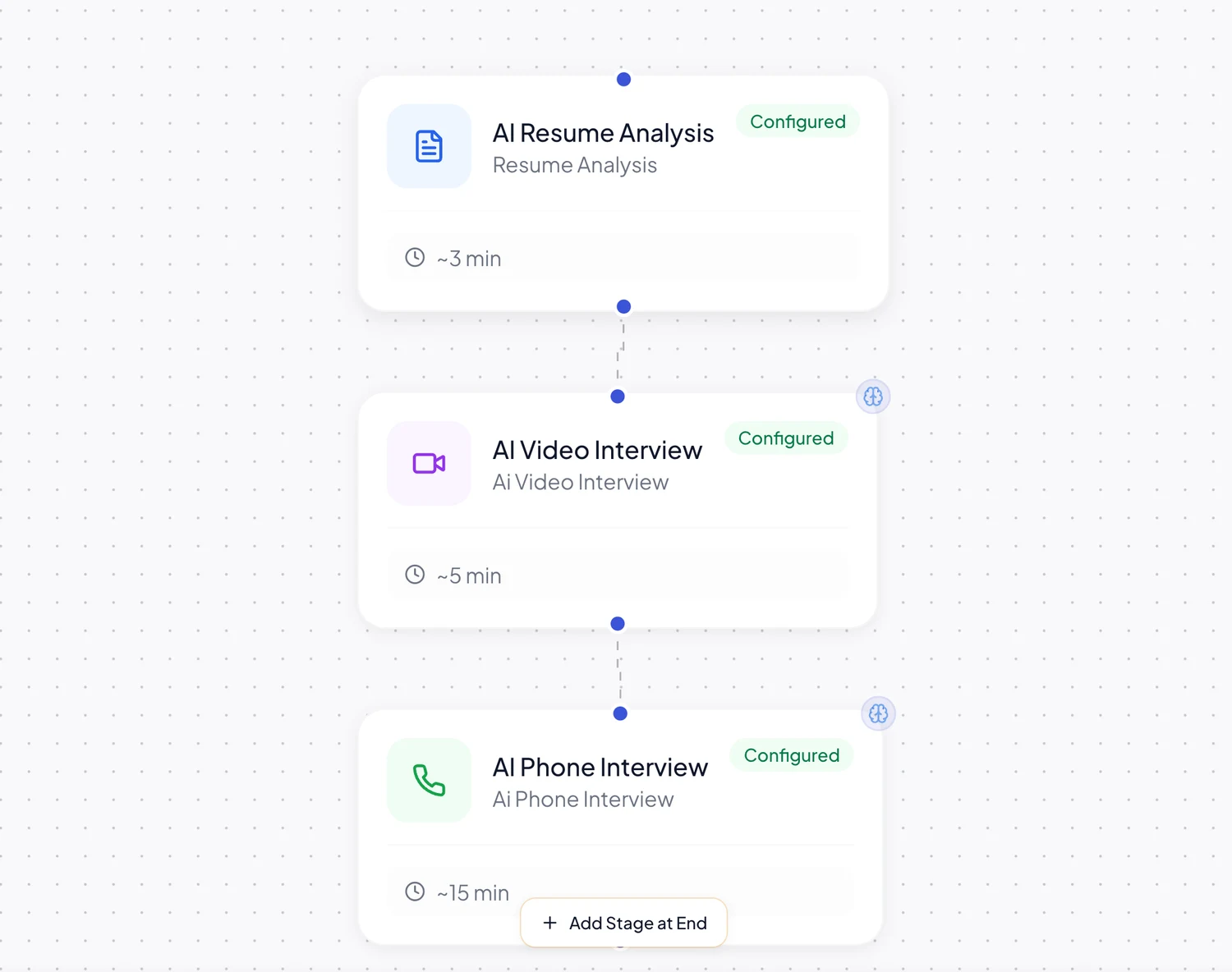
Use only the modules a role needs, then keep every candidate record connected to the same workflow.
Set up the stages a role needs, from application received to resume analysis, interviews, follow-ups, and final review.
Parse resumes, identify skills, and keep candidate profiles available for future roles inside the same company workspace.
Run structured phone screening for candidates when a quick first conversation is better than another email thread.
AI Phone Screen
Recording in progress...
Offer structured video interviews with consistent questions, captured responses, and reports tied back to the job.
Give recruiters a cleaner place to prepare, capture notes, and keep interview feedback attached to the candidate record.
Auto-generated notes
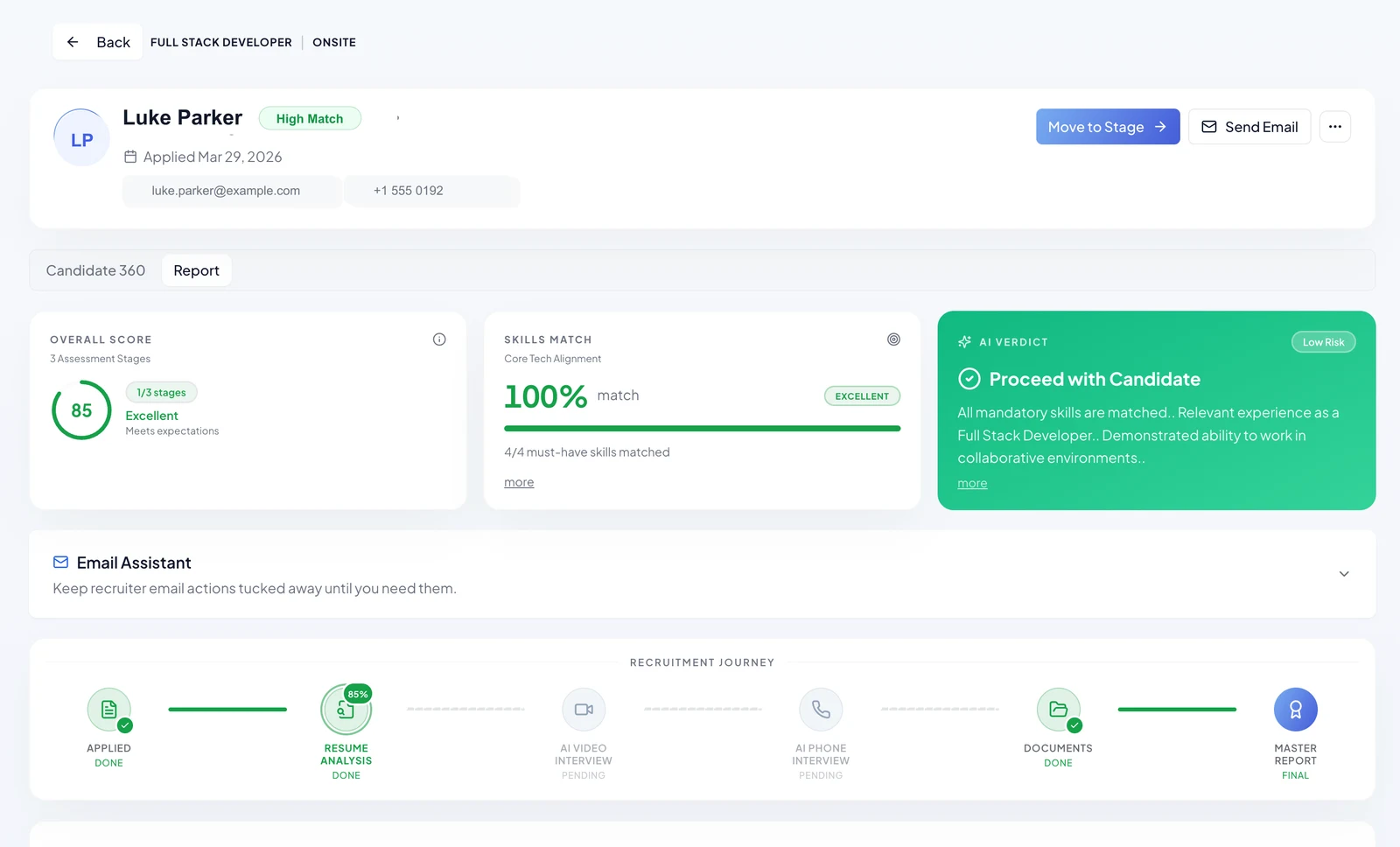
Upfound keeps the steps visible so recruiters know what has happened, what is pending, and who needs attention next.
Use this as a planning estimate. Actual time saved depends on role complexity, hiring volume, and how your team reviews candidates.
Total roles you expect to fill in the next 12 months
Average number of resumes received per open role
Time spent reviewing each resume and initial screening
Estimated recruiter time reduced over the next 12 months
250 hrs
Screening 1,000 candidates
3.3 hrs
Setup + reviewing 200 shortlisted
Manual Process
Your team screens 1,000 candidates across 10 positions, spending 15 minutes per candidate = 250 hrs total.
With Upfound AI
~10 min setup per position + resume analysis to prioritize review across 1,000 candidates. This estimate assumes your team deeply reviews 20% (200 candidates) at 30 seconds each = 3.3 hrs total.
Start with uploads, public links, email updates, and exports. For larger teams, Upfound can support custom data workflows as requirements become clear.
Upfound does not replace recruiter judgment. It gives teams a cleaner system for job setup, screening, interviews, and follow-up.
| Feature | Scattered process | Upfound AI |
|---|---|---|
| Job setup | ||
| Application collection | ||
| Resume review | ||
| Candidate reuse | ||
| Interview workflow | ||
| Candidate follow-up | ||
| Employer branding | ||
| Team visibility |
Everything you need to know about Upfound AI.